Complete ownership & flexibility of your integration building process
Configure Membrane via API, MCP or CLI.
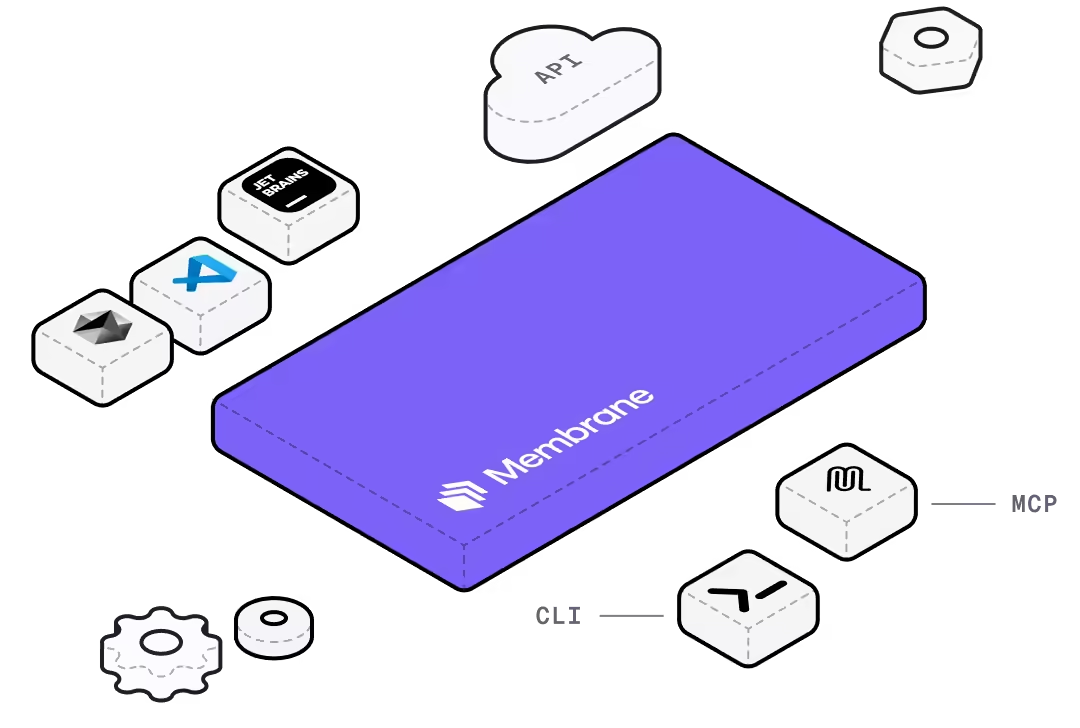
.//flexibility built in
Flexible API-first development
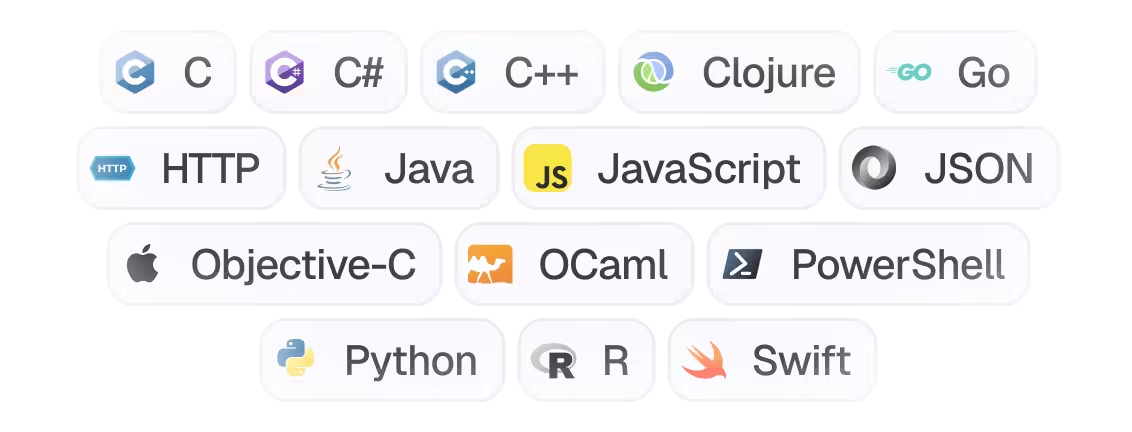
Interact with Membrane though your favorite language or interface
0000100001
API Endpoints
Anything you do in the Membrane Console is available via API
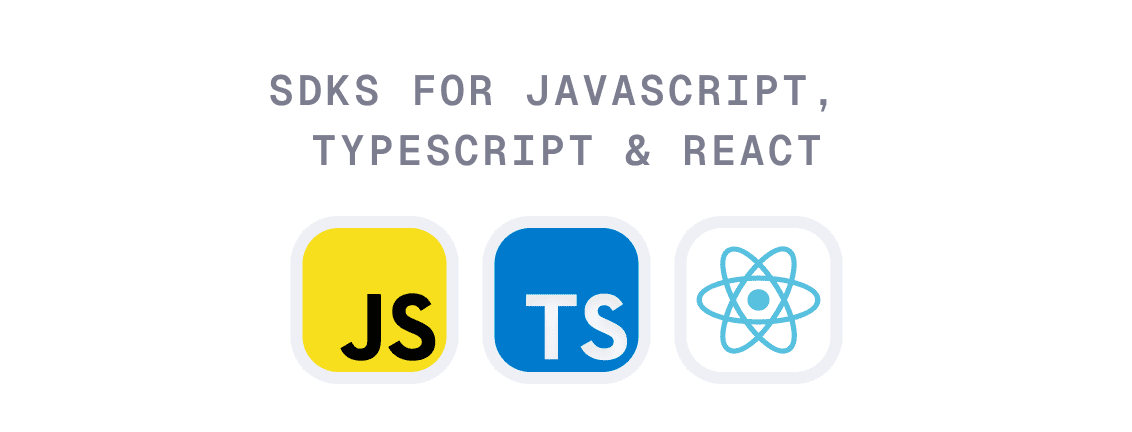
Simple quickstart via SDKs
.//mcp as the core
Development MCP server
Membrane is MCP-first
Any agent can use the Membrane Development MCP to get access to the whole of the Membrane API.
.//control though cli
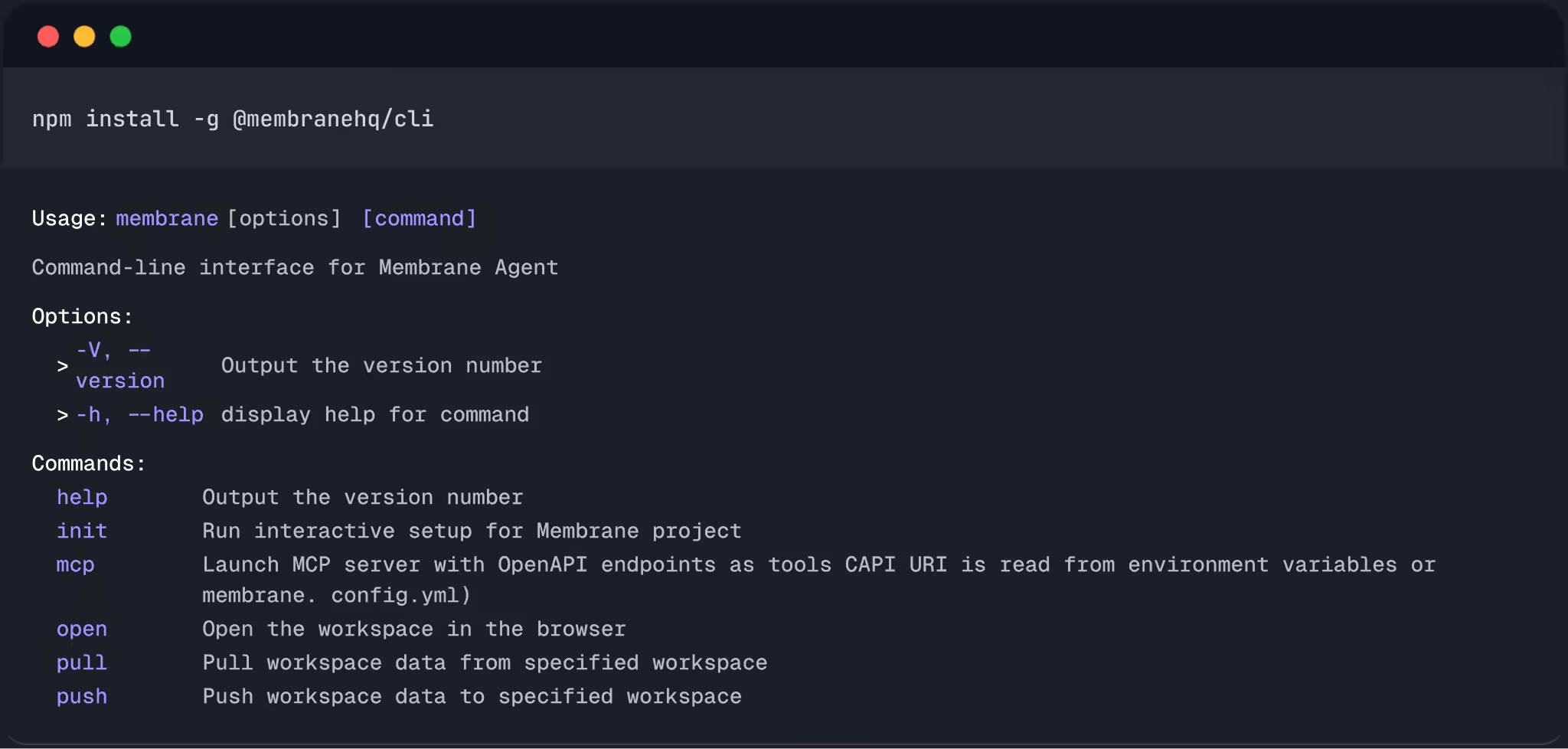
Simple CLI interface for managing your integrations
Build integrations where you work: local environment, IDE or Coding Agent via CLI, you choose.
terminal
Work in your terminal / local environment
IDE & Agent connection
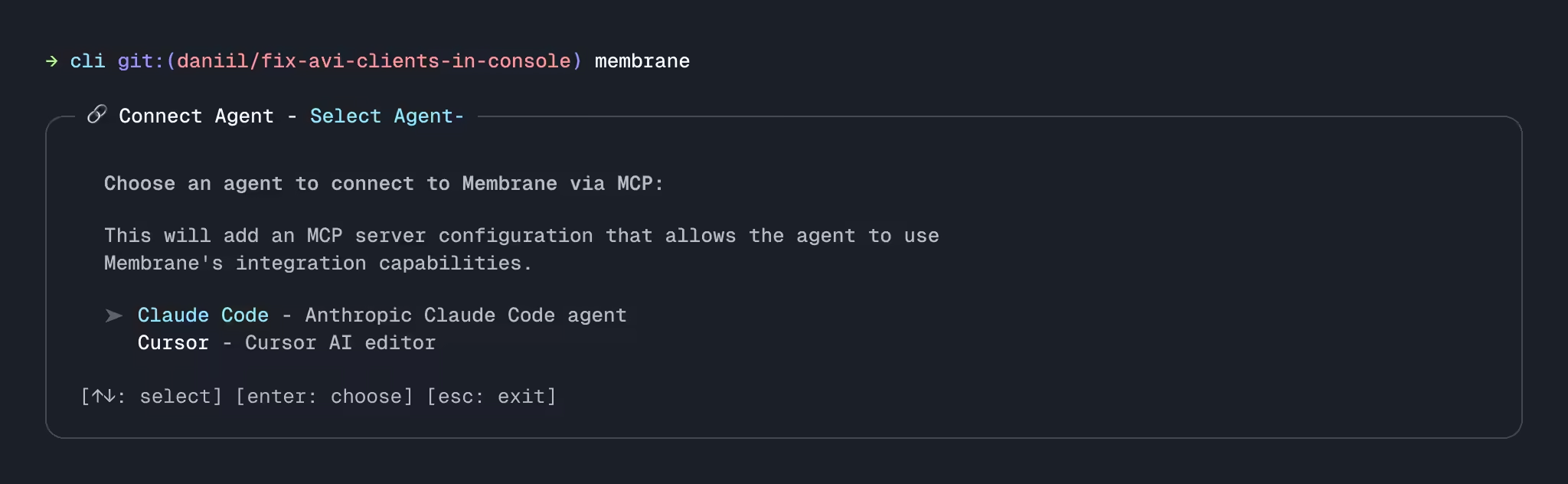
Connect your IDE or Coding Agent via CLI
To create integrations end-to-end, you can connect your IDE and/or AI coding agents to Membrane in a few steps.
This will synchronize your project files with Membrane workspace. It will also provide tools and context for AI agents to build integrations using Membrane.




Membrane is designed around the principles that modern developer teams care about most
Flexibility
Configure anything programmatically from anywhere.
Ownership
Own the code, deploy it wherever you want.
Ecosystem
Plug into your IDE, Coding Agent easily. Seamlessly extend your workflow.